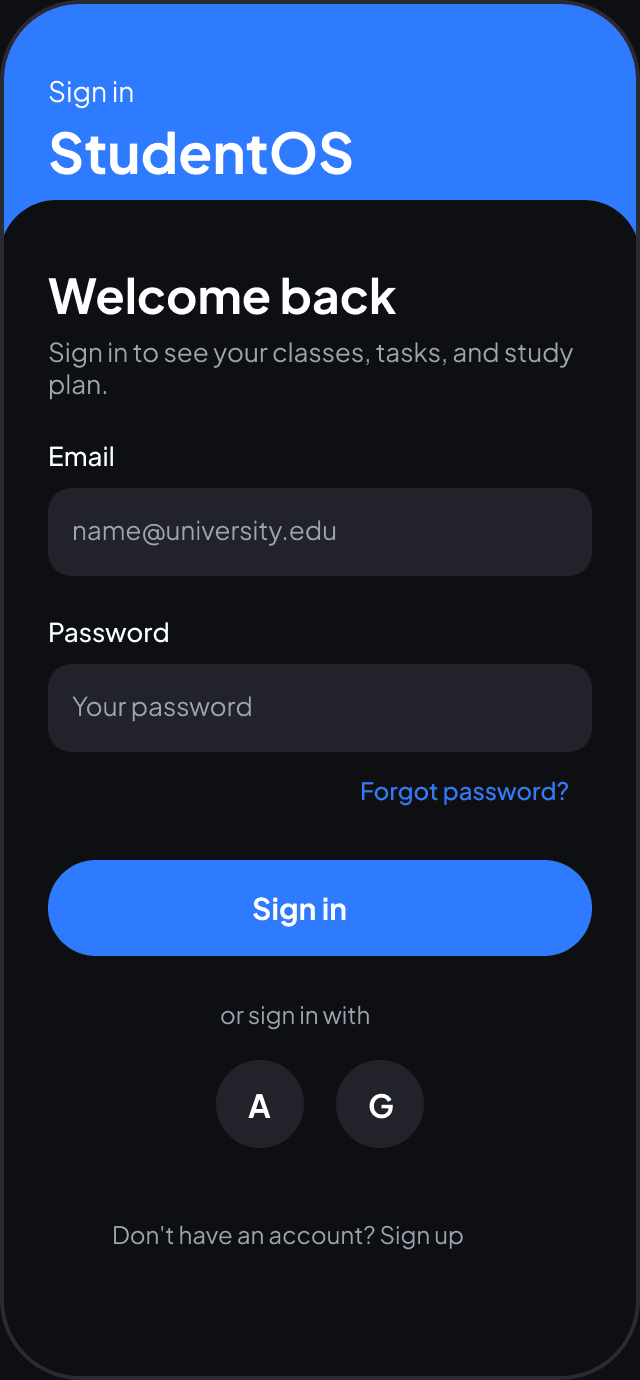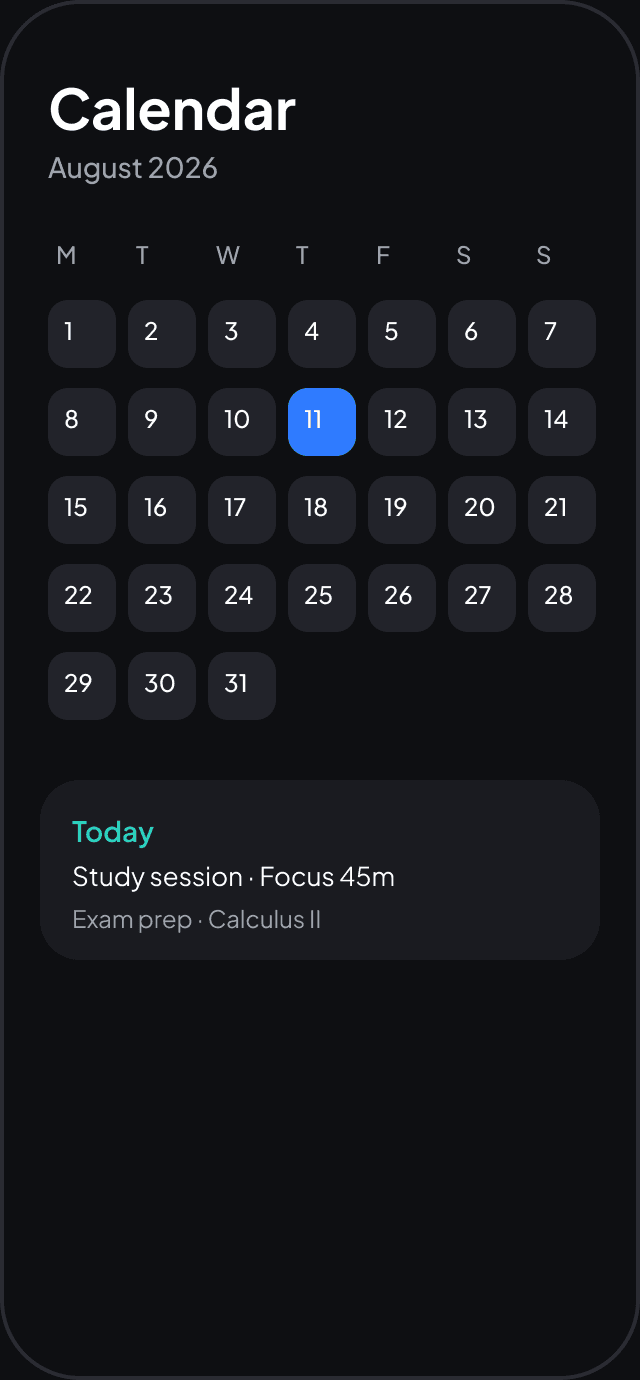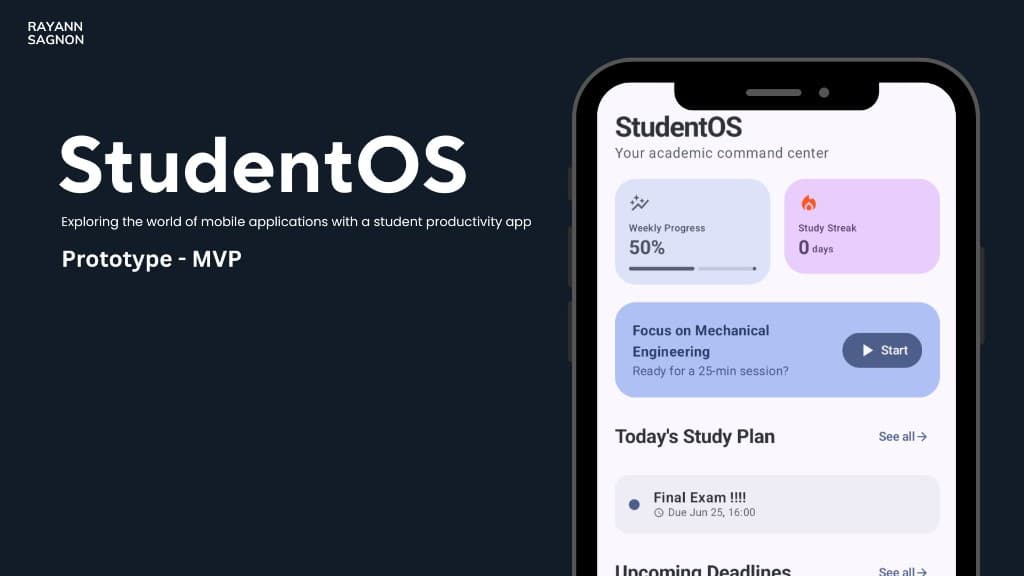
StudentOS product presentation, mobile student productivity app
01 / software

StudentOS

Academic Workspace · Intelligent Interface

An academic workspace that consolidates productivity, planning, and study workflows into one adaptive surface, built for students who live in nine tabs.

View on GitHub

One command center for school

StudentOS pulls planning, progress, and focus into a single Android surface instead of scattering them across browser tabs.

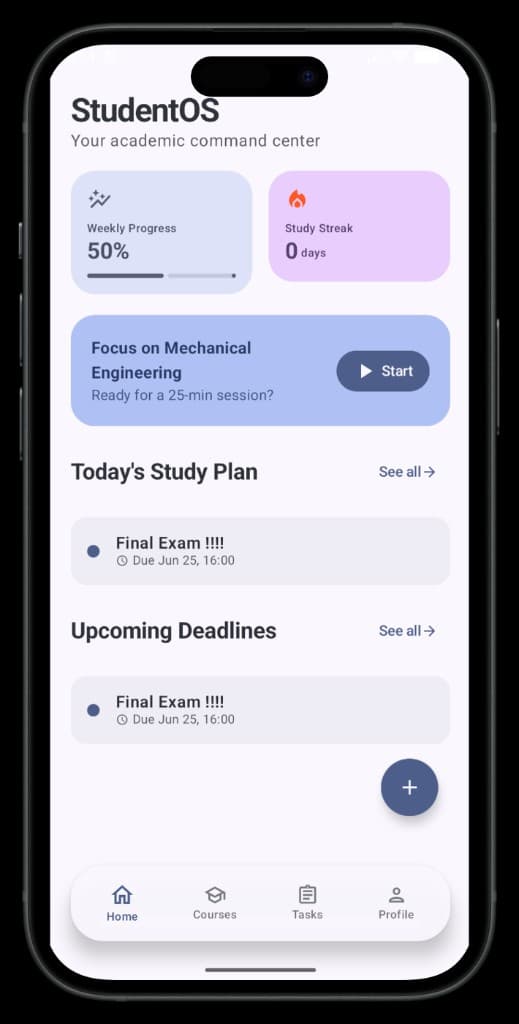
Dashboard

Weekly progress, streaks, and what matters today.

Courses

Assignments, deadlines, and course context in one lane.

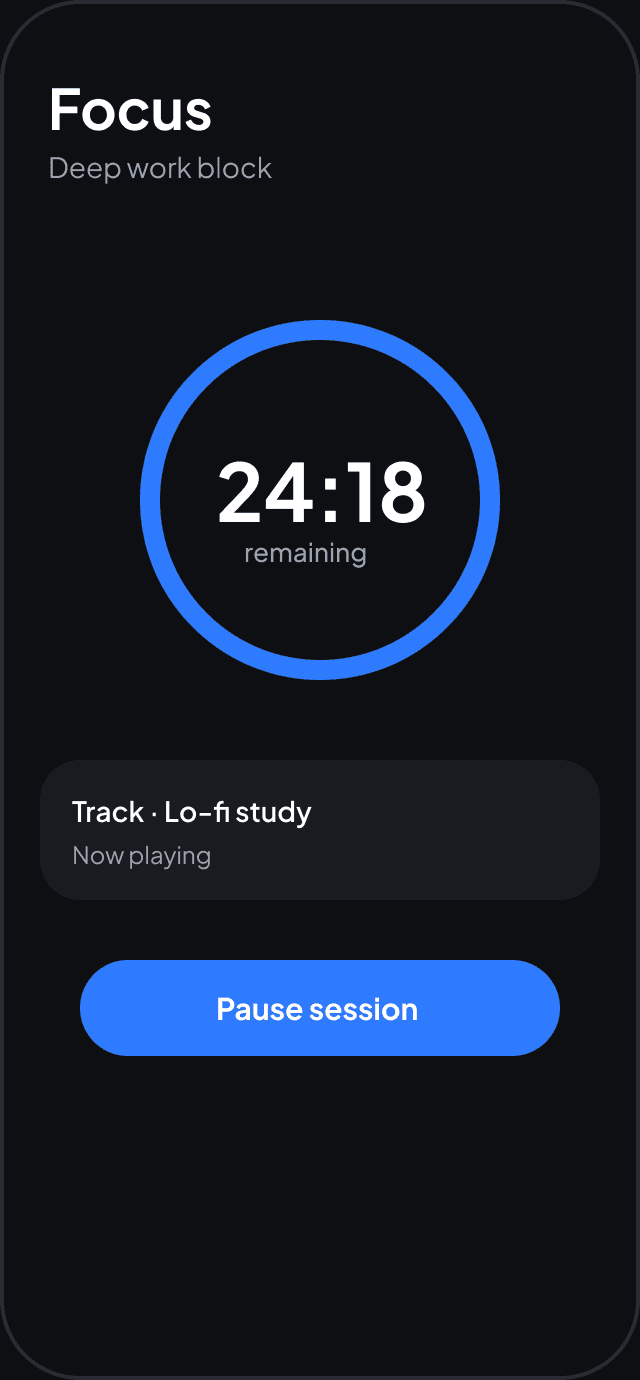
Focus

Timed study blocks with a clear start and stop ritual.

Tasks

Capture work, sort priorities, and close the loop.

4Core workflows
1Unified surface
0Required cloud sync

Why it exists

Most students do not lack tools. They lack continuity between them. StudentOS was shaped around that friction.

Before: nine tabs
CanvasDriveNotionCalendarGmailSheetsQuizletSlackDocs
After: one workspace
StudentOS
Before: nine tabsAfter: one workspace
Context switching24%
Deadlines tracked in one place91%
Time to start a study block31%

How it was built

A local-first MVP in Kotlin and Compose, designed to stay fast on real student hardware and grow toward sync later.

Compose UIMaterial 3 screens, navigation, and motion.
ViewModelsStateFlow-driven screen logic and user actions.
RepositoriesSingle source of truth across features.
Room + FirebaseOffline persistence with cloud-ready hooks.
01

Map the student loop

Interviews, tab audits, and workflow sketches to find what actually repeats every week.

02

Design the command center

Material 3 dashboard first, then courses, tasks, and focus as connected modules.

03

Ship the local-first MVP

Room for persistence, Compose for speed, Firebase wired but optional at launch.

04

Iterate in public

GitHub Actions CI, README docs, and a portfolio-ready product story.

Screens · Product
StudentOS home dashboard screen
01Dashboard

Weekly progress, focus sessions, and deadlines in one command center.

StudentOS courses screen
02Courses

Course cards with color-coded tracks and instructor context at a glance.

StudentOS assignments screen
03Tasks

Active and completed assignments with course tags and due dates.

PlatformAndroidKotlin2.0JetpackComposeLicenseMITCIGitHub Actions

Highlights

  • Clean Material 3 interface
  • Smart dashboard with weekly progress and study streak
  • Course and assignment tracking
  • Focus session flow for study blocks
  • Local persistence with Firebase-ready integration

Tech Stack

  • Kotlin
  • Jetpack Compose
  • Material 3
  • Navigation Compose
  • Room Database
  • Firebase Auth / Firestore
  • ViewModel + StateFlow

Getting Started

Prerequisites

  • Android Studio
  • JDK 11 or newer
  • Android SDK with API 35

Run the app

  1. Open the project in Android Studio.
  2. Sync Gradle.
  3. Launch an emulator or connect a device.
  4. Run the app.

Build

./gradlew assembleDebug

Project Structure

app/
  src/main/java/com/studentos/app/
    ui/           # Screens and Compose UI
    navigation/   # Route definitions
    viewmodel/    # Screen state and logic
    data/         # Repositories, Room, Firebase integration

Roadmap

  • Improve analytics and reporting
  • Add reminders and notifications
  • Expand study-session insights
  • Polish the onboarding experience

Trade-offs

DecisionLocal-first storage over cloud sync
TradeoffSlower onboarding for stronger privacy
ConstraintRuns offline on aging hardware